Terms & Locations
Goal: Create and manage terms (time periods) and understand how locations work in VoTech.
Terms
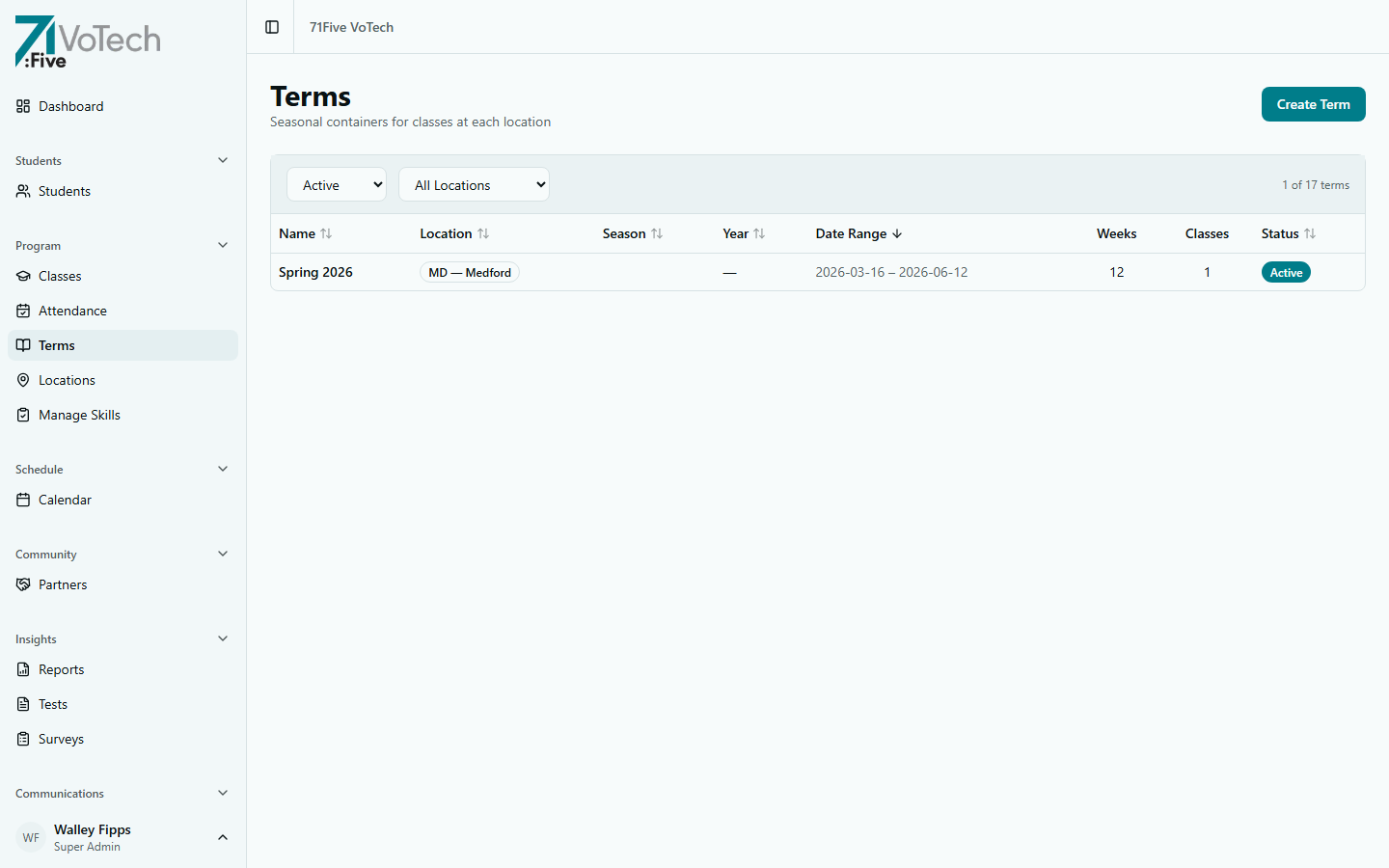
A term is a time period during which classes run — similar to a semester or quarter. Every class belongs to a term.
Creating a New Term
- Click Terms in the sidebar under Program
- Click Create Term
- Enter:
- Term name — e.g., "Spring 2026" or "Q2 2026"
- Start date
- End date
- Click Create
Editing a Term
- Open the Terms page
- Click the term you want to edit
- Update the name, start date, or end date
- Click Save
Active Term
Only one term is "active" at a time. The active term is:
- The default when creating new classes
- What shows in the attendance dropdown
- What the dashboard reports on
To change the active term:
- Open the Terms page
- Click Set Active on the term you want to activate
Changing the active term doesn't affect existing classes. Classes keep their original term assignment. The active term only affects where new classes default to and what the dashboard shows.
Locations
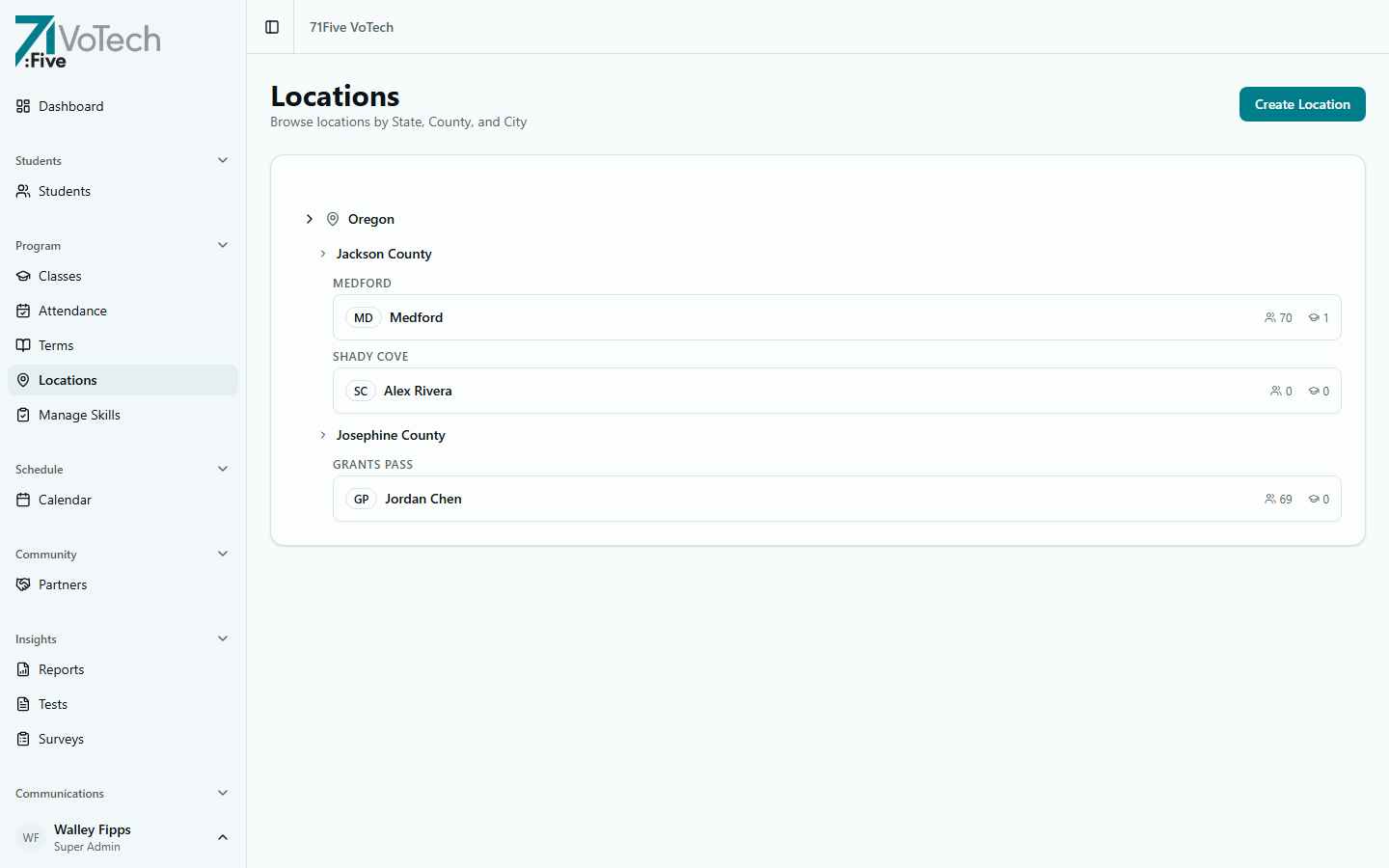
Locations are managed in the database and can be added or modified by a Super Admin. VoTech currently has three physical locations:
| Location | Code | County | Address Area |
|---|---|---|---|
| Medford | MD | Jackson | Medford, OR |
| Grants Pass | GP | Josephine | Grants Pass, OR |
| Shady Cove | SC | Jackson | Shady Cove, OR |
Location Details
- Click Locations in the sidebar under Program
- Click a location to see:
- Active classes at this location
- Staff assigned to this location
- Student count — enrolled students
- Attendance summary — aggregate stats
Editing Location Details
Super Admins can edit location information:
- Open the location detail page
- Click Edit
- Update the information
- Click Save
Use the location drill-down view to quickly see what's happening at a specific site — classes running, staff on site, and student attendance trends.
How Locations Affect Access
Locations are the primary scoping mechanism in VoTech:
- Staff see students at their assigned location(s) — a Case Manager at Medford sees Medford students only
- Directors see their county — a Jackson County Director sees Medford + Shady Cove
- Super Admins see everything
- Students are assigned to one location when enrolled
If a student transfers between locations, their location assignment must be updated on their detail page. Otherwise they'll only be visible to staff at the old location.