Resume Generator
Goal: Generate a professional resume for a student based on their VoTech record — certifications, skills, and program experience.
The Resume Generator pulls data from a student's VoTech record and formats it into a clean, printable resume. This helps students who may not have created a resume before.
Generating a Resume
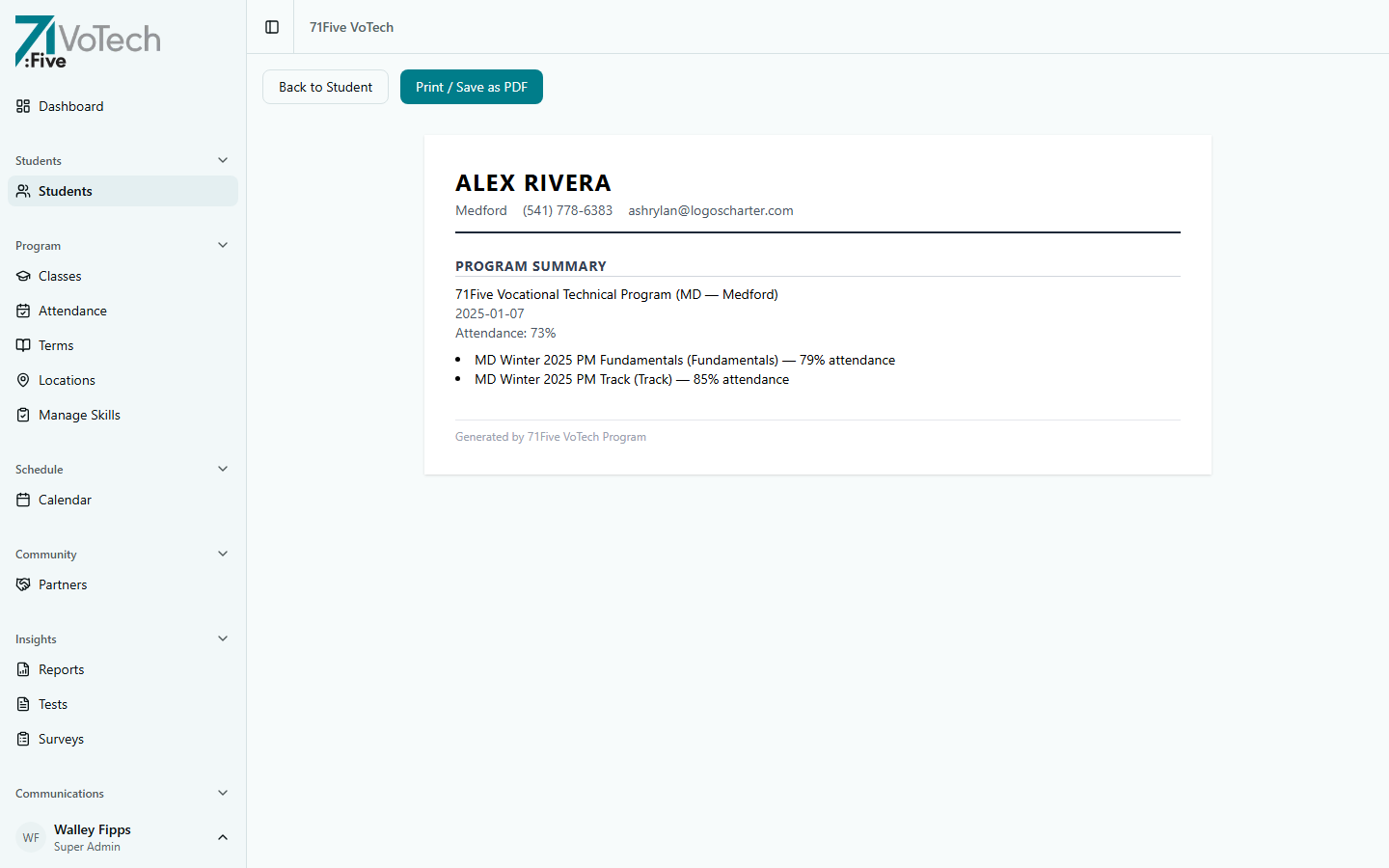
- Navigate to the student's resume page at
/students/[id]/resume/(linked from the student detail page) - VoTech auto-populates the resume with:
- Name and contact info (from the student's record)
- Program objective — based on category and program name
- Certifications earned — OSHA, welding, trade-specific
- Skills — based on skills assessment ratings (final scores)
- Program experience — classes completed, dates, overall attendance rate, program start/end dates
- Employment history — pulled from the
follow_upstable (where employer/job_title are populated) - References — only contacts with
can_contact = trueappear
- Review and edit the content as needed
- Click Print / Save as PDF
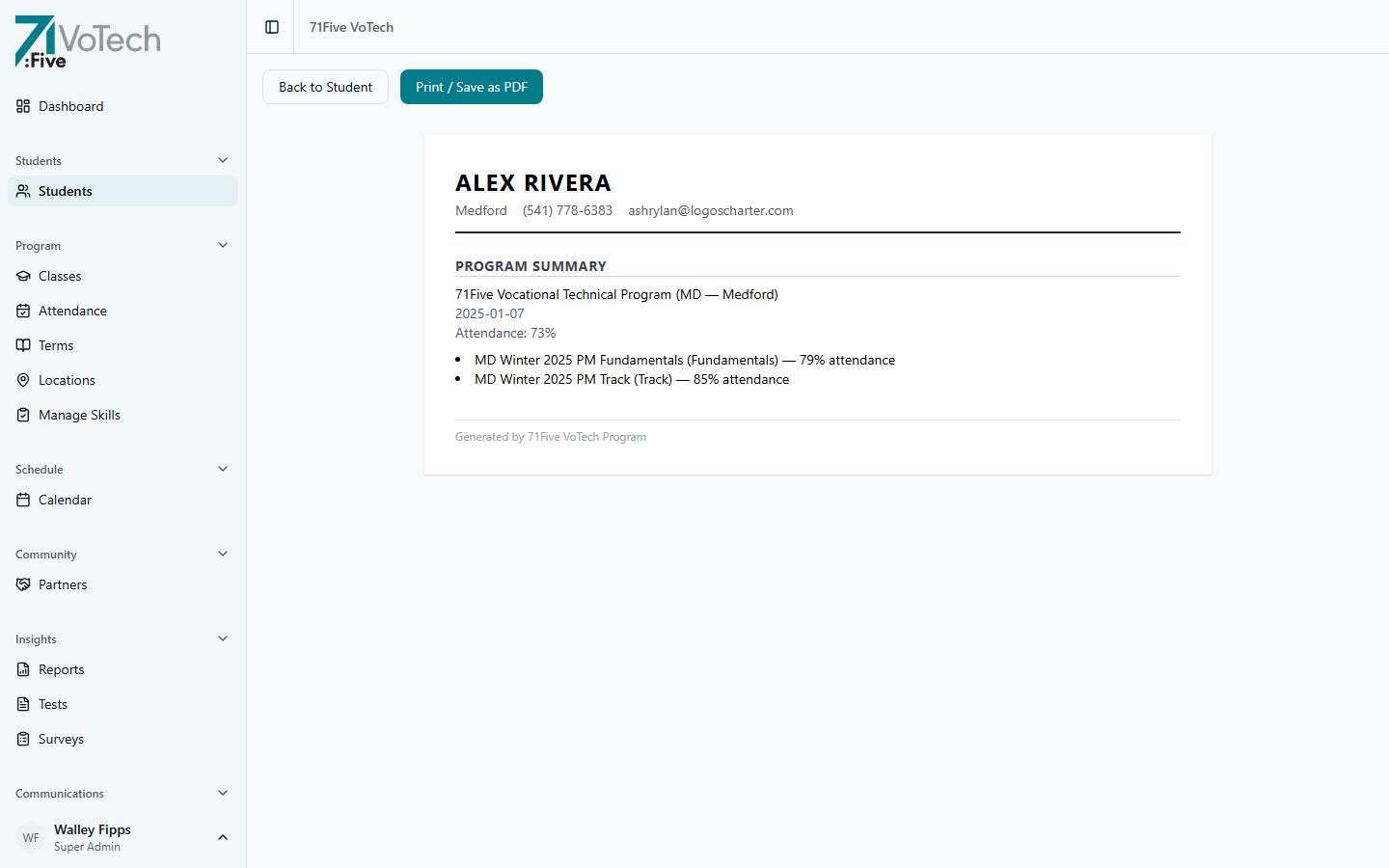
Review the resume with the student before printing. They may want to add volunteer experience, personal projects, or adjust the wording.
What's Included Automatically
| Section | Source |
|---|---|
| Contact info | Student's contact section |
| Objective | Program category + program name |
| Certifications | Certifications section |
| Skills | Skills assessment (final ratings) |
| Experience | Class enrollment history |
| Employment | Employment section |
| References | References section |
Tips & Common Mistakes
The resume only includes data that's been entered into VoTech. If the certifications section is empty, the resume won't have a certifications section. Make sure student records are complete before generating.
The resume includes the student's contact information (phone, email, address). Make sure this information is current before the student uses the resume for job applications.
Related Guides
- Student Detail Page — certifications, skills, employment sections
- Community Partners — job matching
- Skills Assessment — skills that appear on the resume