Student Detail Page
Goal: Navigate the student detail page, understand what each section contains, and know which sections are visible to your role.
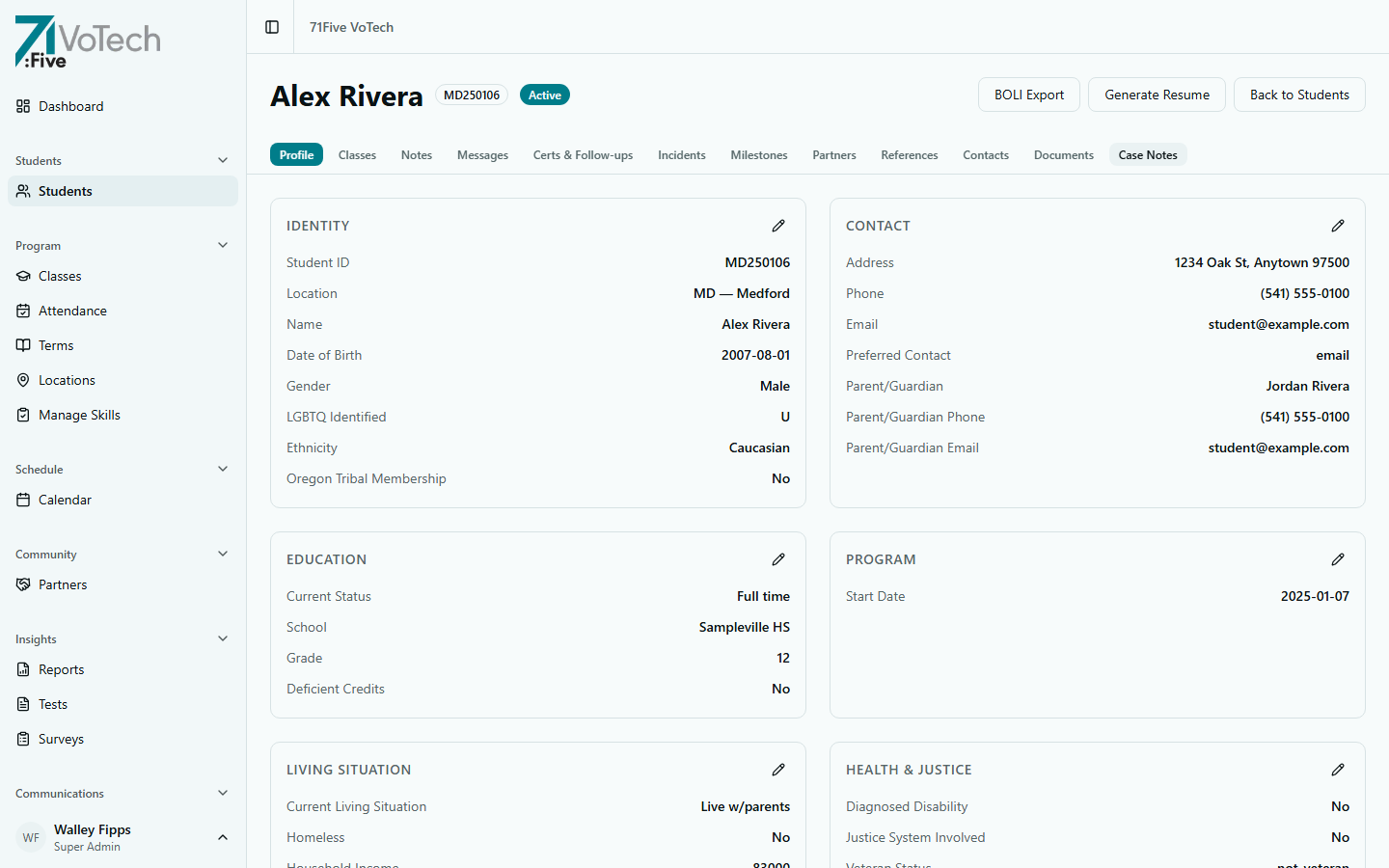
The Student Detail Page is where you see everything about one student. It's organized into a sticky navigation bar at the top with scrollable sections below.
🔍 Opening a Student's Detail Page
- 1
Go to the Student Roster
Click Students in the sidebar. The roster shows all students at your location.
- 2
Click the student's name
Click the student's name in the roster table. The detail page opens with all sections visible to your role. A sticky navigation bar at the top lets you jump to any section.
👤 Profile Section
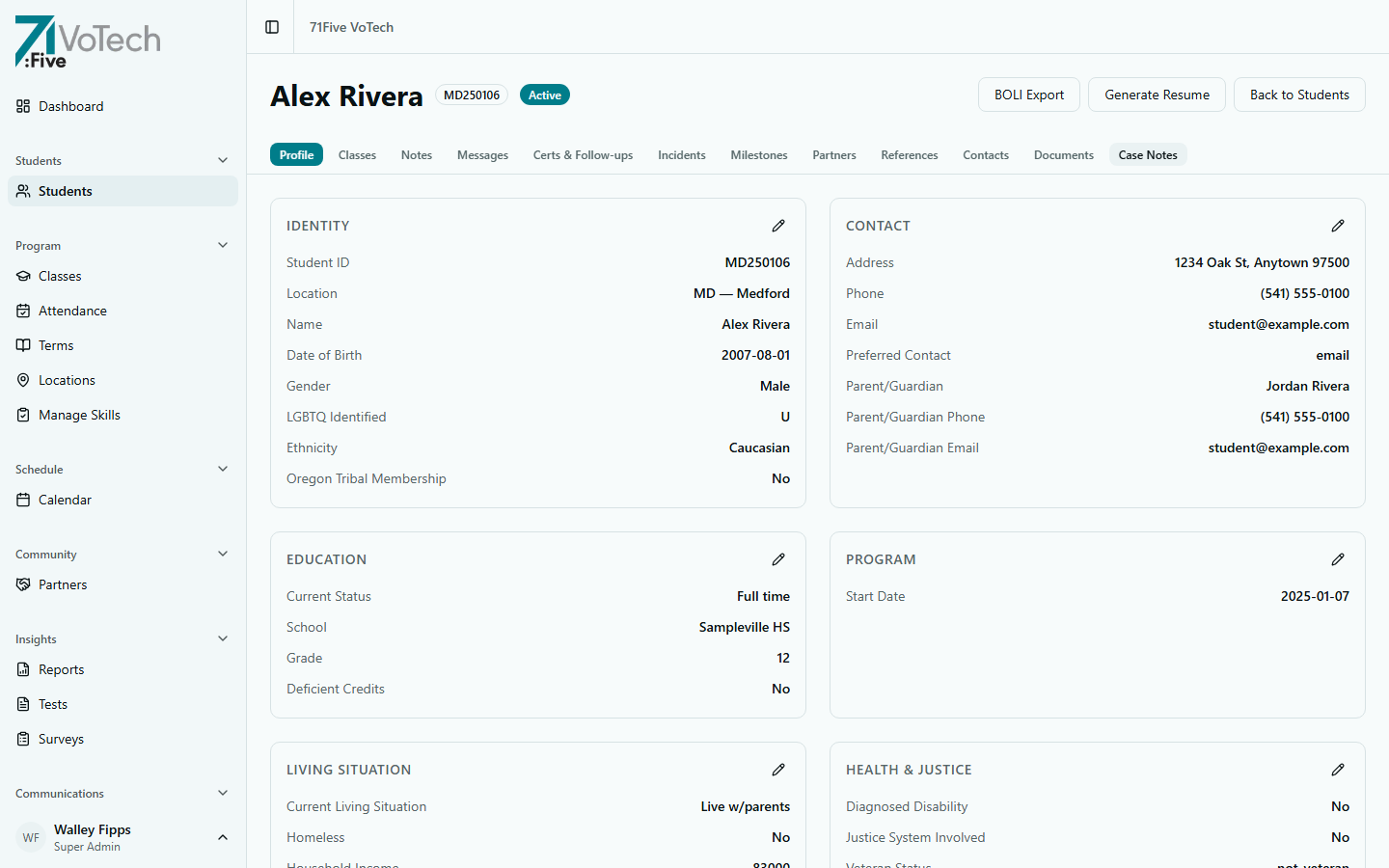
The Profile section contains the student's core demographic and program data, organized into subsections:
| Subsection | What It Contains | Who Can Edit |
|---|---|---|
| Identity | Name, preferred name, DOB, gender, ethnicity, tribal affiliation | Case Manager, Super Admin |
| Contact | Address, phone, email, communication preferences | Case Manager, Super Admin |
| Education | Status, school, grade, credits, disengagement reasons | Case Manager, Super Admin |
| Program | Enrollment date, location, category, cohort, BOLI | Case Manager, Super Admin |
| Living Situation | Housing, homeless status, foster care, income | Case Manager, Super Admin |
| Household Demographics | Head of household, dependents, family counts | Case Manager, Super Admin |
| Health & Justice | Disability, justice involvement, veteran status | Case Manager, Super Admin |
| Benefits | SNAP, TANIF enrollment | Case Manager, Super Admin |
| Employment | Employment status, employer, pay | Case Manager, Super Admin |
| Grant & Program Flags | BOLI, YDD, project codes, PRISM consent | Case Manager, Super Admin |
| Spiritual Milestones | Gospel, Christ received, Bible, church intro | Case Manager, Super Admin |
| Identification (Tier 1) | SSN — encrypted, masked in UI | Super Admin only |
| ACE Data (Tier 2) | ACE score, comments — append-only | Case Manager, Super Admin |
📊 Classes Section
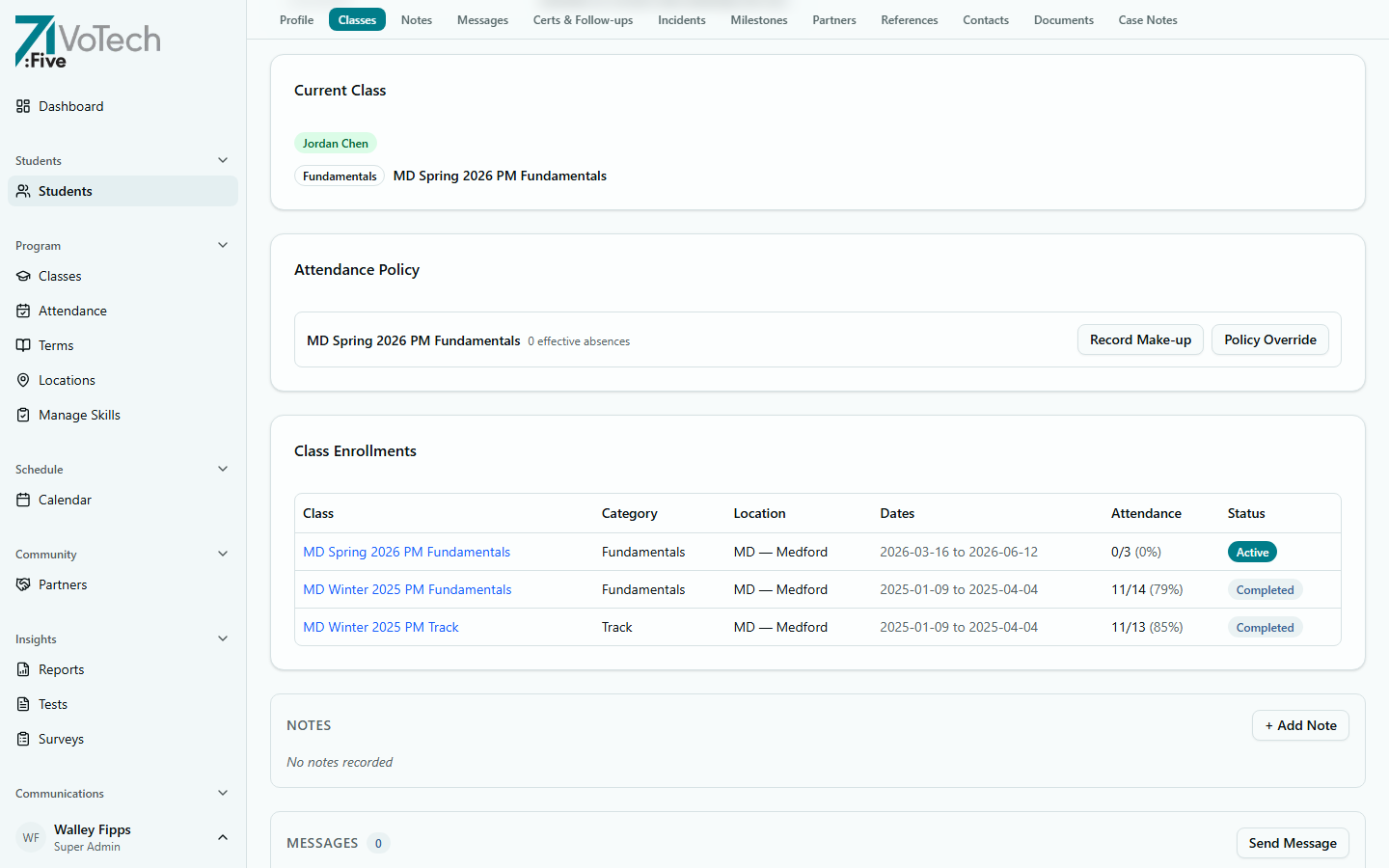
Shows the student's class enrollments, attendance statistics, and absence policy alerts:
- Class names (linked to class detail page), category, location, dates
- Attendance percentage per class
- Enrollment status (Active, Completed, Withdrawn)
- Absence policy alerts (Needs Make-Up, At Limit, Must Rollover)
👥 Contacts
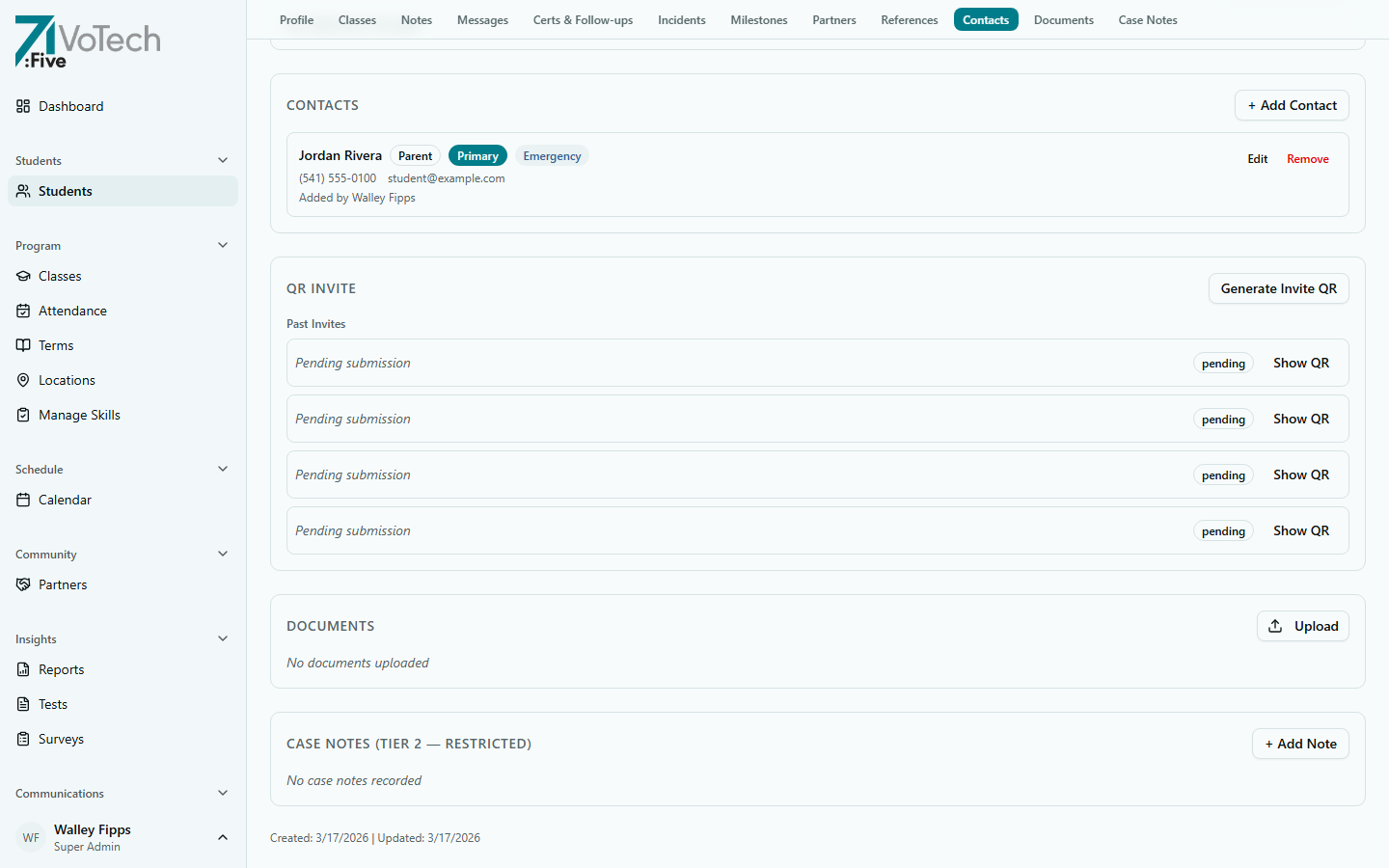
Parents, guardians, emergency contacts, counselors. See Managing Contacts.
- Editable by: Case Manager, Super Admin
🏆 Certs & Follow-ups
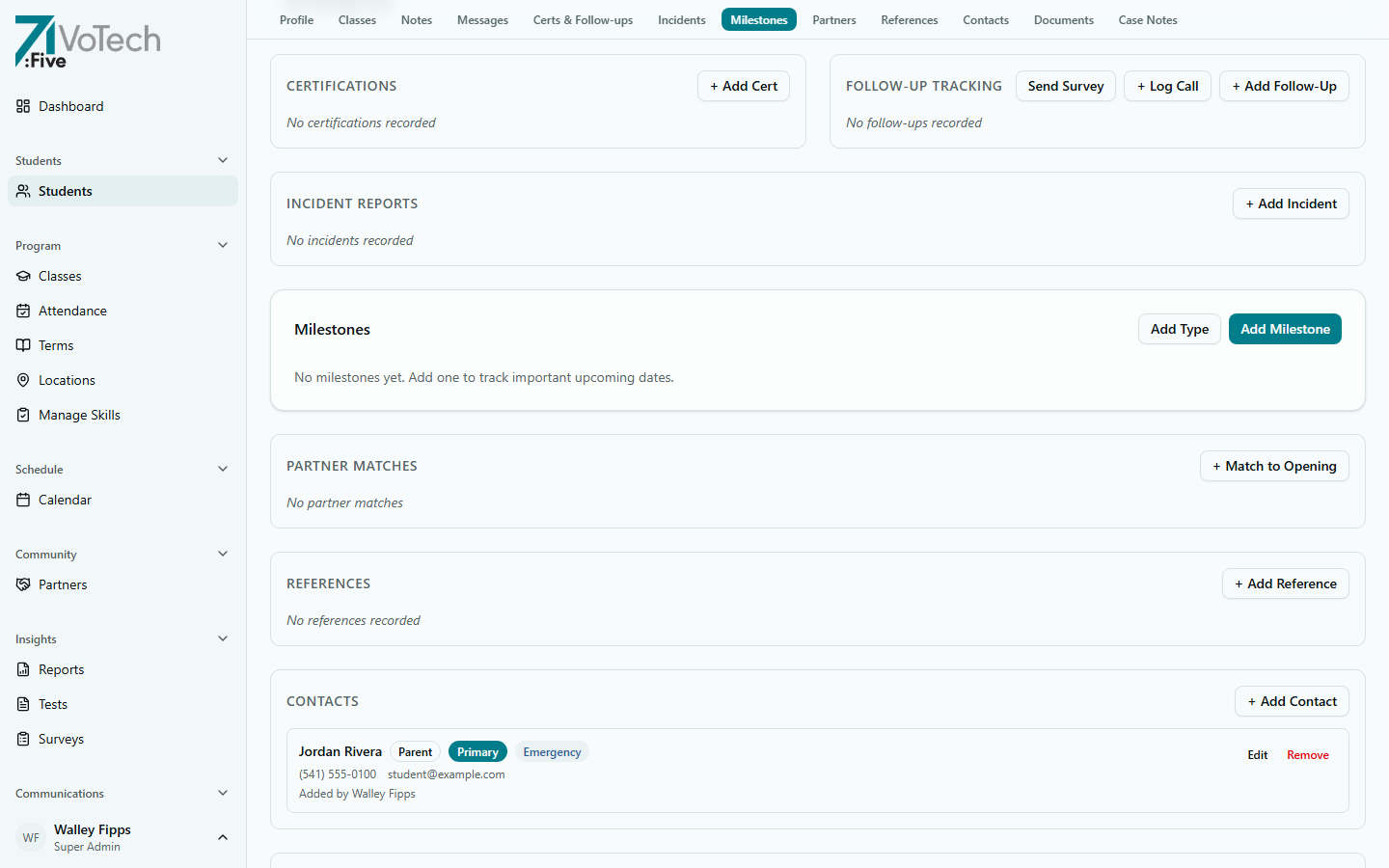
Industry certifications earned (welding, OSHA, etc.) and post-program follow-up status (3/6/9/12-month surveys).
- Editable by: Case Manager, Super Admin
📝 Notes
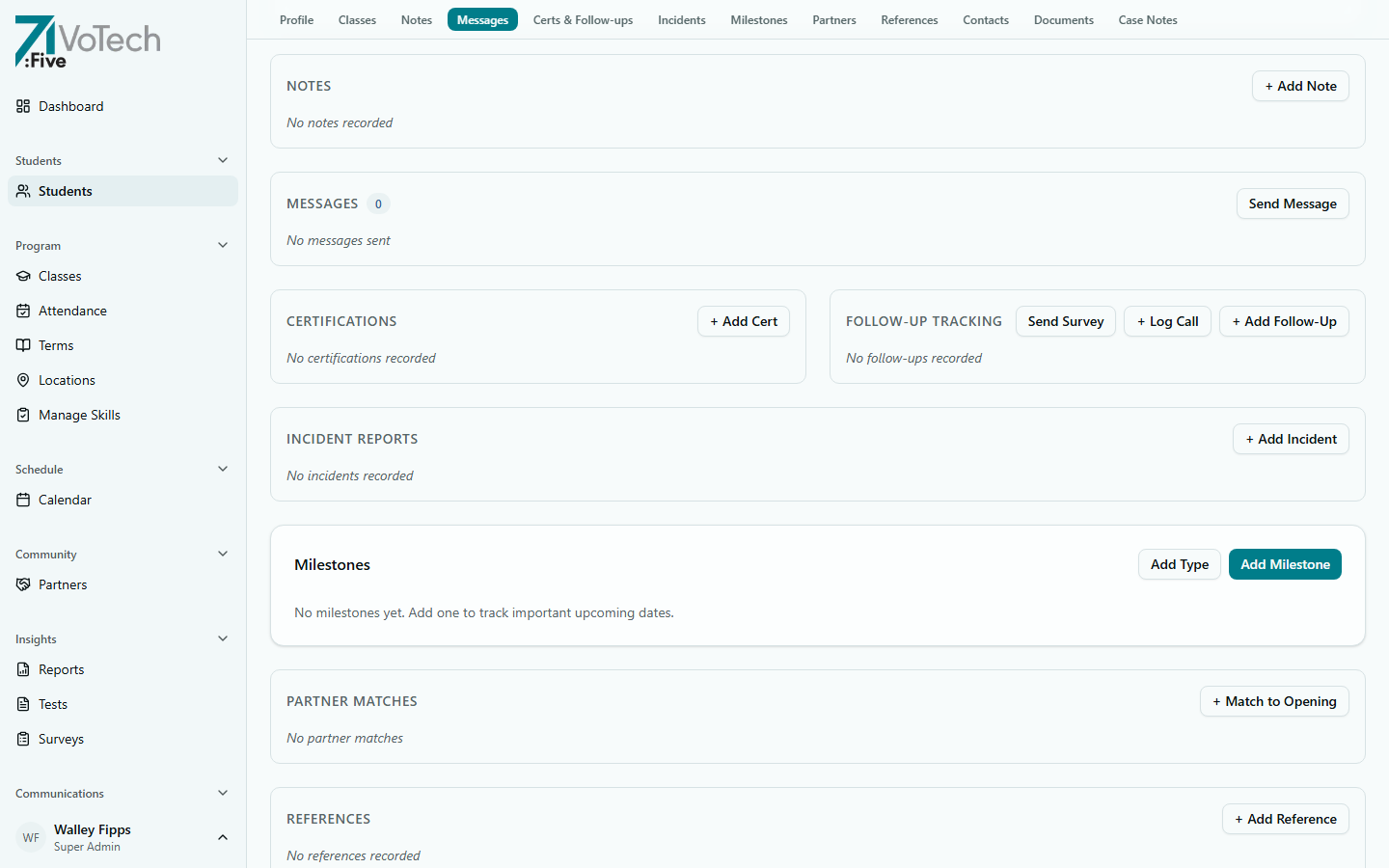
General notes written by staff about the student. These are informal observations, reminders, or follow-up items — distinct from formal Case Notes (which are Tier 2 restricted).
- Notes are visible to Case Managers, Coordinators, Directors, Super Admins, and Volunteers
- Editable by: Case Manager, Coordinator, Super Admin
💬 Messages
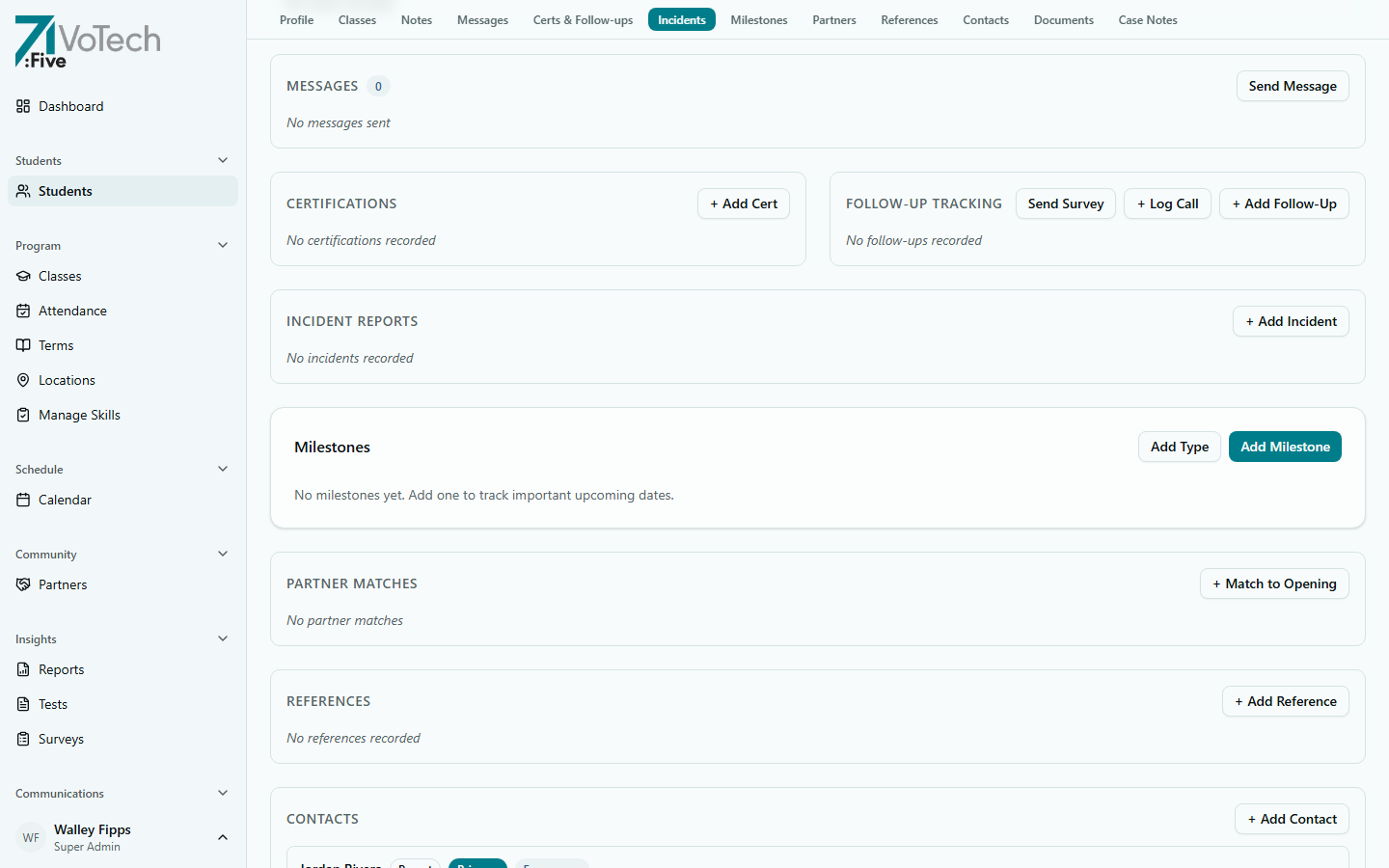
Staff-to-student message history. View and send messages to the student through the platform's messaging system.
- Visible to: Case Manager, Coordinator, Director, Super Admin
- Editable by: Case Manager, Coordinator, Super Admin
⚠️ Incidents
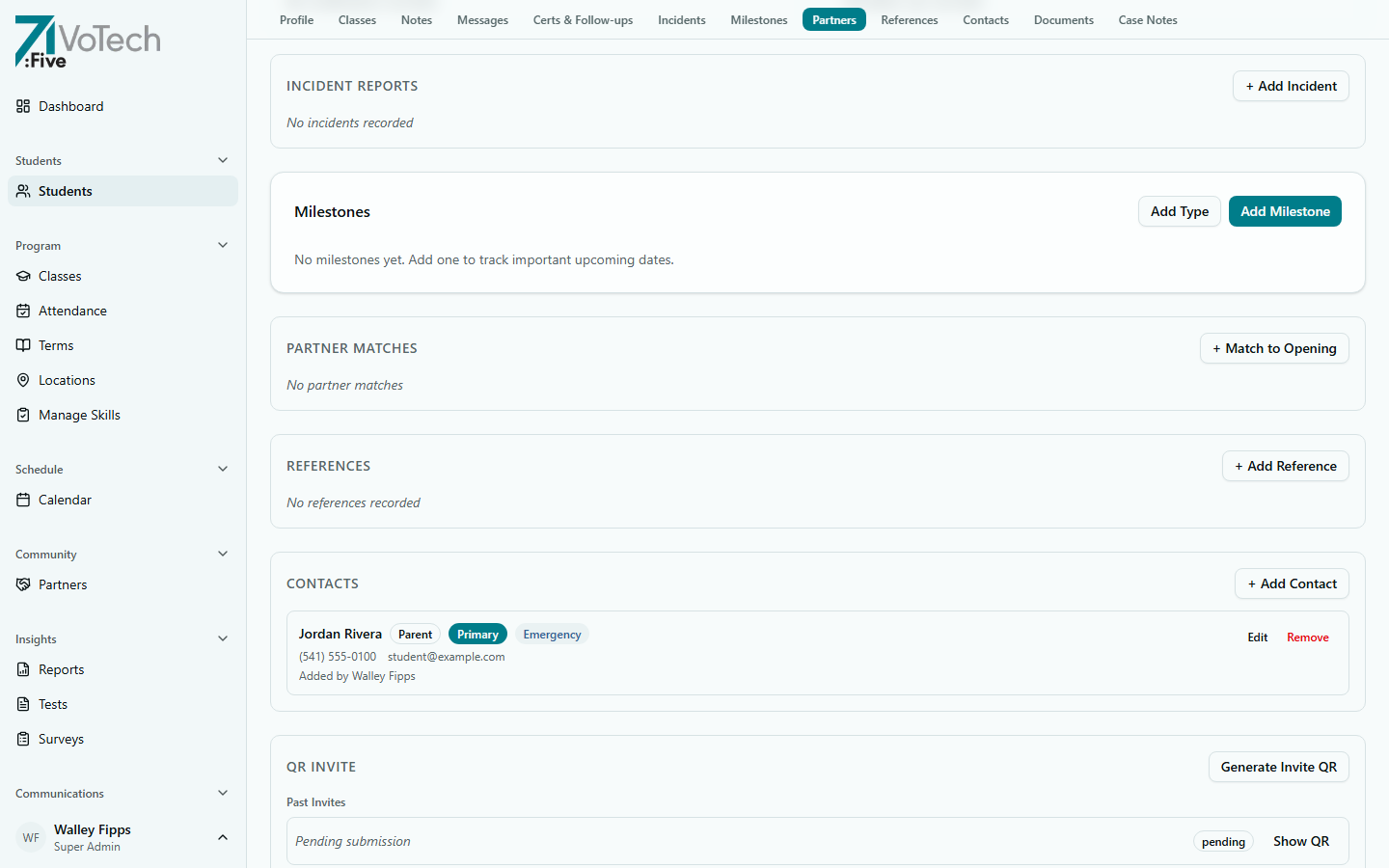
Filed incident reports related to the student. Tracks behavioral incidents, disciplinary actions, and resolutions.
- Visible to: Case Manager, Coordinator, Director, Super Admin
- Editable by: Case Manager, Super Admin
🎯 Milestones
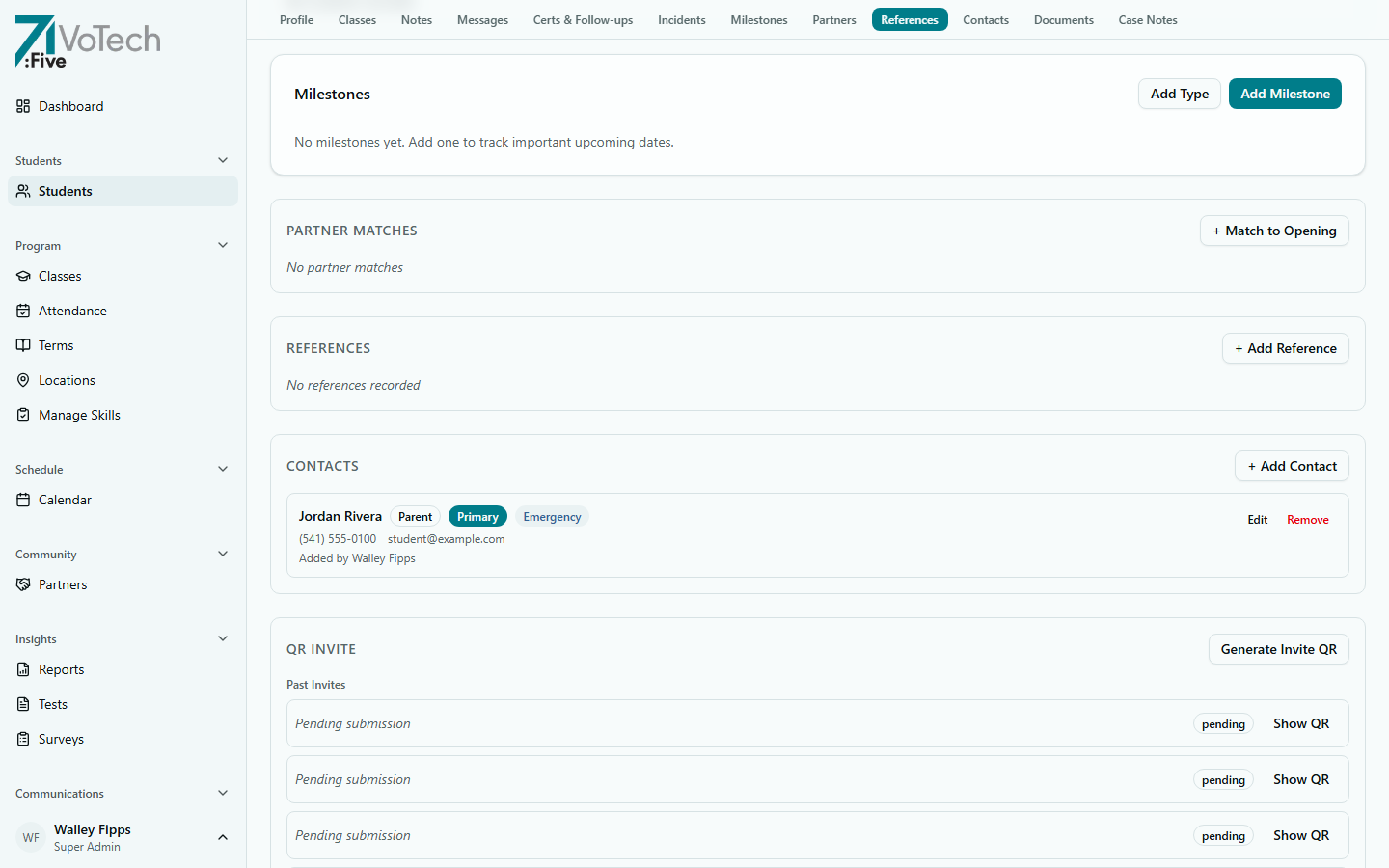
Program milestones and achievements the student has reached — GED completion, credential earned, job placement, and other tracked outcomes.
- Visible to: All staff at location
- Editable by: Case Manager, Super Admin
🤝 Partners
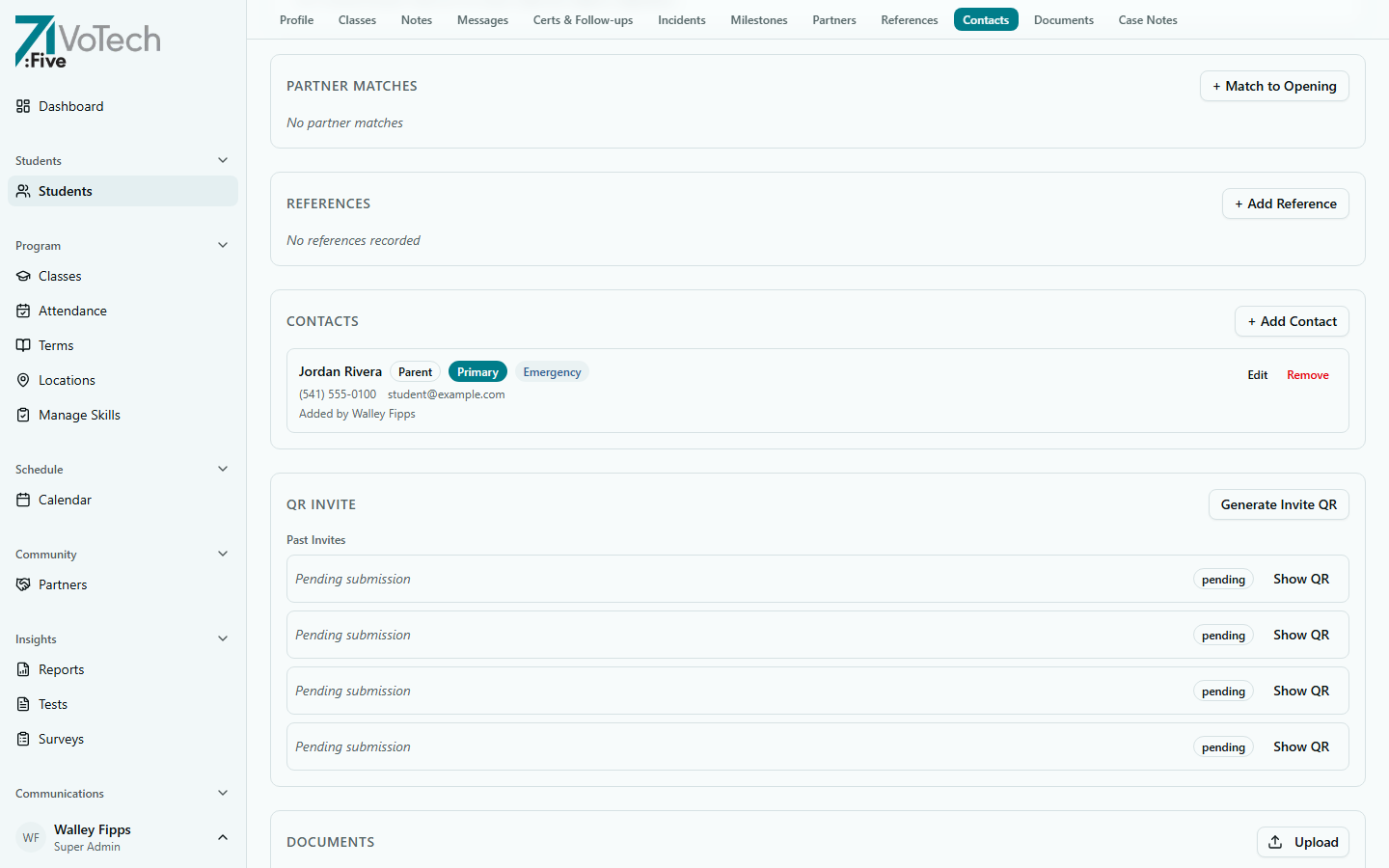
Community partner connections linked to the student. Tracks which partner organizations are involved in the student's support network (e.g., workforce agencies, housing providers, counseling services).
- Visible to: Case Manager, Coordinator, Director, Super Admin
- Editable by: Case Manager, Super Admin
📇 References
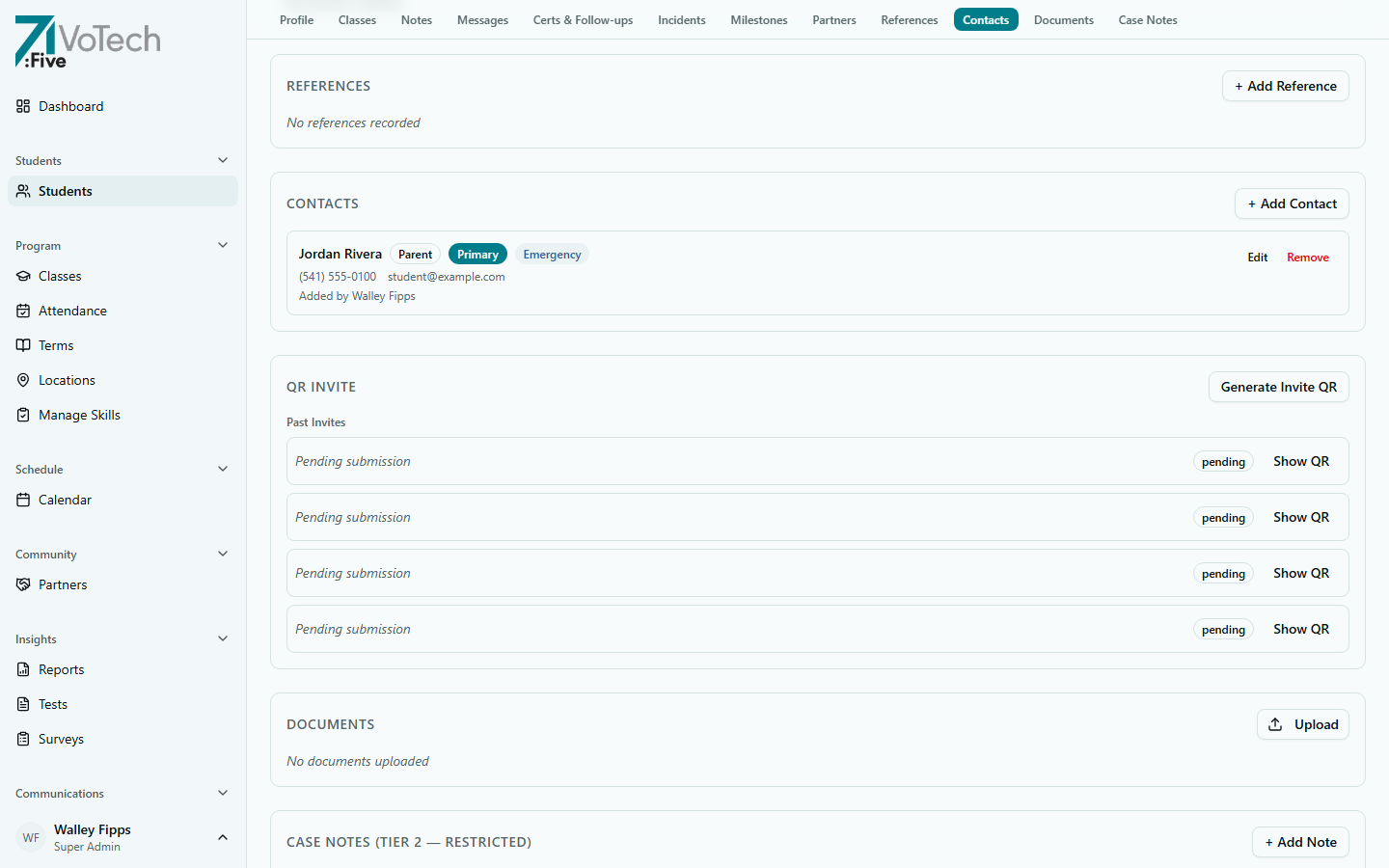
Professional and personal references provided by or for the student. Used for job placement support and program verification.
- Visible to: Case Manager, Super Admin
- Editable by: Case Manager, Super Admin
📄 Documents
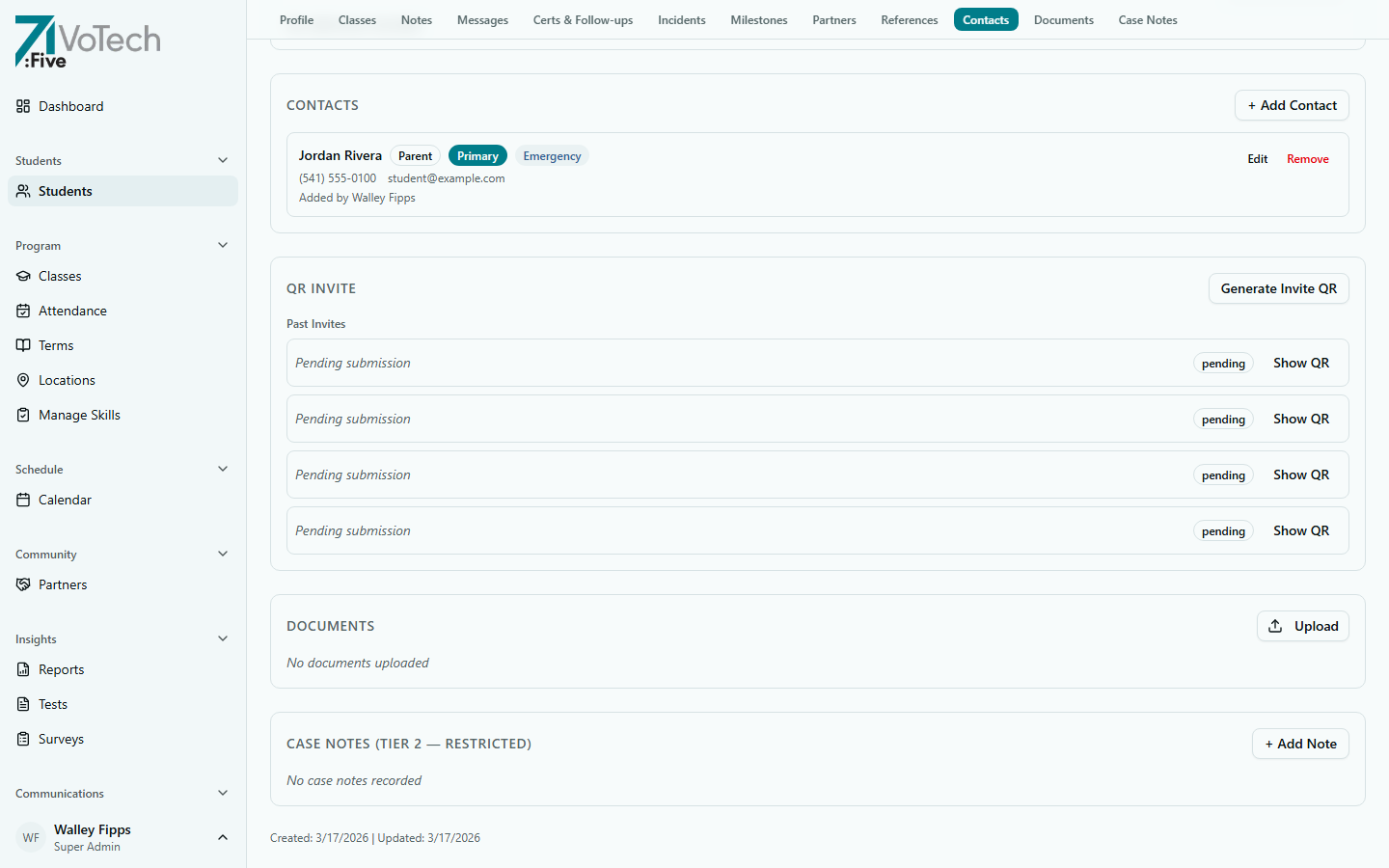
Uploaded documents stored in Google Drive — transcripts, IDs, signed forms, and other student records. Files are linked from the student's detail page.
- Visible to: Case Manager, Director, Super Admin
- Editable by: Case Manager, Super Admin
🔐 Case Notes
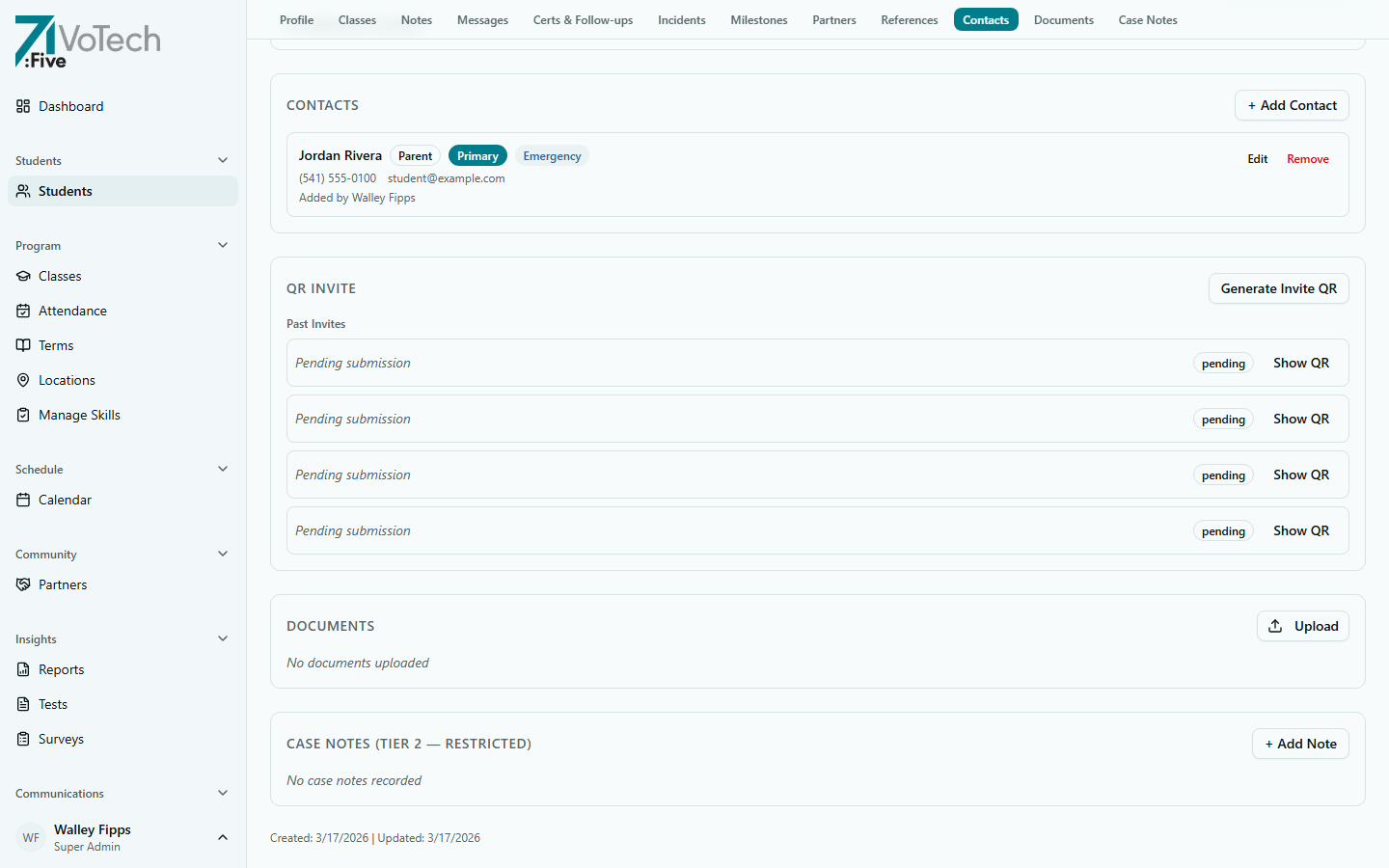
Chronological case notes documenting interactions, assessments, and decisions about the student. This is a Tier 2 restricted section — only Case Managers and Super Admins can view or write case notes.
- Case notes are append-only and cannot be deleted or edited after creation
- Each entry is timestamped and attributed to the staff member who wrote it
- Visible to: Case Manager, Super Admin only
ACE data and Case Notes are Tier 2 — restricted. Only Case Managers and Super Admins can view these sections. Case notes are append-only and cannot be deleted.
📋 All Tabs Summary
A photo upload component appears in the page header for roles with edit access — click the avatar area to upload a student photo.
The detail page has up to 17 sections in the sticky navigation bar, depending on your role and available data:
| Section | What It Contains | Visibility |
|---|---|---|
| Profile | All demographic and program subsections | All authorized staff |
| Classes | Class enrollments, attendance, absence alerts | All except Volunteer |
| Check-ins | Daily check-in responses | All staff at location (if data exists) |
| Skills | Baseline and final skill ratings | All staff at location (if data exists) |
| Tests | Test results and scores | All staff at location (if data exists) |
| Notes | General notes (not case notes) | CM, Coordinator, Director, SA, Volunteer |
| Messages | Staff-to-student message history | CM, Coordinator, Director, SA |
| Certs & Follow-ups | Certifications + follow-up surveys | All authorized staff |
| Incidents | Filed incident reports | CM, Coordinator, Director, SA |
| Milestones | Program milestones and achievements | All staff at location |
| Partners | Community partner connections | CM, Coordinator, Director, SA |
| References | Professional and personal references | CM, SA |
| Contacts | Parents, guardians, emergency contacts | CM, Coordinator, Director, SA |
| Housing | Living situation, homeless status, housing assignments | CM, SA |
| Consent | FERPA consent status and digital/print consent forms | CM, Director, SA |
| Documents | Google Drive uploads — transcripts, IDs, TXT/DOC/DOCX | CM, Director, SA |
| Case Notes | Chronological notes (Tier 2 — restricted) | CM, SA only |
Tabs only appear if you have permission and (for some) if the student has data in that area. For example, the Check-ins tab only shows if the student has check-in responses.
🔒 Section Visibility by Role
| Section | Super Admin | Director | Case Mgr | Coordinator | Grant Writer | Volunteer |
|---|---|---|---|---|---|---|
| Profile | Yes | Yes | Yes | Yes | Yes | Identity only |
| Classes | Yes | Yes | Yes | Yes | No | No |
| Contact | Yes | Yes | Yes | Yes | No | No |
| ACE Data | Yes | No | Yes | No | No | No |
| Case Notes | Yes | No | Yes | No | No | No |
| Documents | Yes | Yes | Yes | No | No | No |
| Messages | Yes | Yes | Yes | Yes | No | No |
| Notes | Yes | Yes | Yes | Yes | No | Yes |
Volunteers see only the Identity subsection within Profile. All other sections are hidden. This is by design — volunteers need to know who students are but don't need access to sensitive data.
✏️ Editing Student Information
- 1
Navigate to the section
Use the sticky navigation bar to jump to the section you want to edit, or scroll through the page.
- 2
Click Edit
Click the Edit button (pencil icon) on the section. A form appears with editable fields.
- 3
Save your changes
Make your changes and click Save. All edits are logged in the audit trail.
💡 Only Case Managers and Super Admins can edit. If you can't edit a field, check your role.
All edits are logged in the audit trail, including what was changed, the old value, and the new value. This supports FERPA compliance and accountability.